A keyboard for Android with two looks: frosted glass and classic keycaps.
MK Board is a free keyboard app. It predicts words offline in nine languages, handles Arabic and Arabizi properly, and keeps everything you type on your phone.
Latest release on GitHub · Android 9 or newer
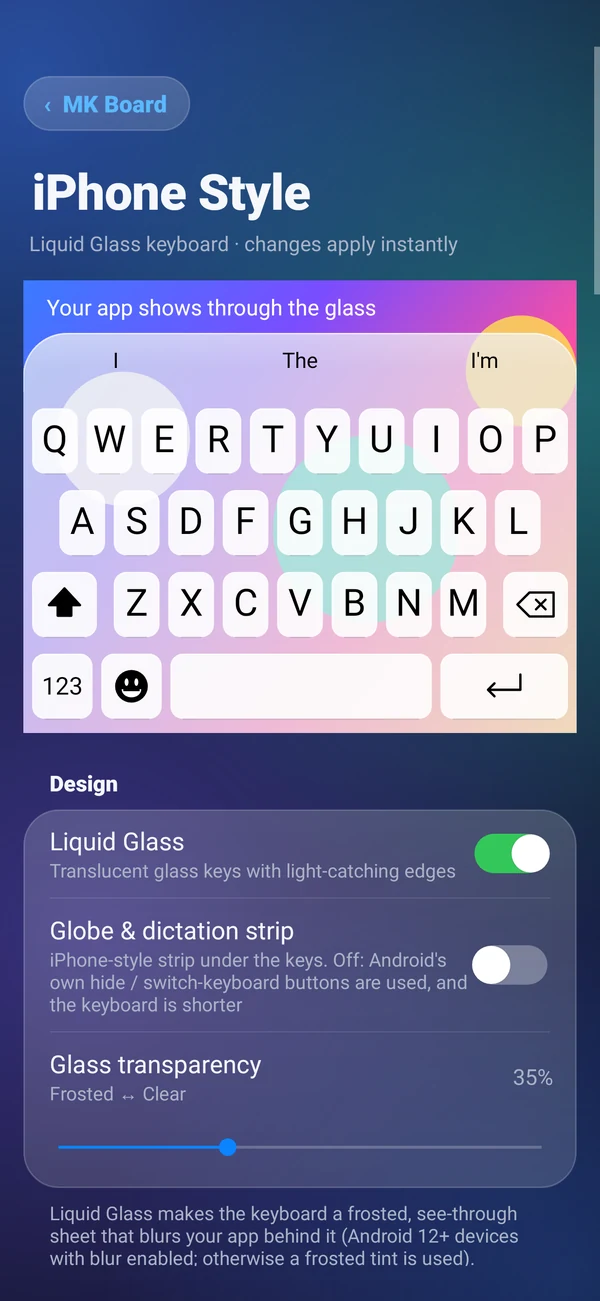
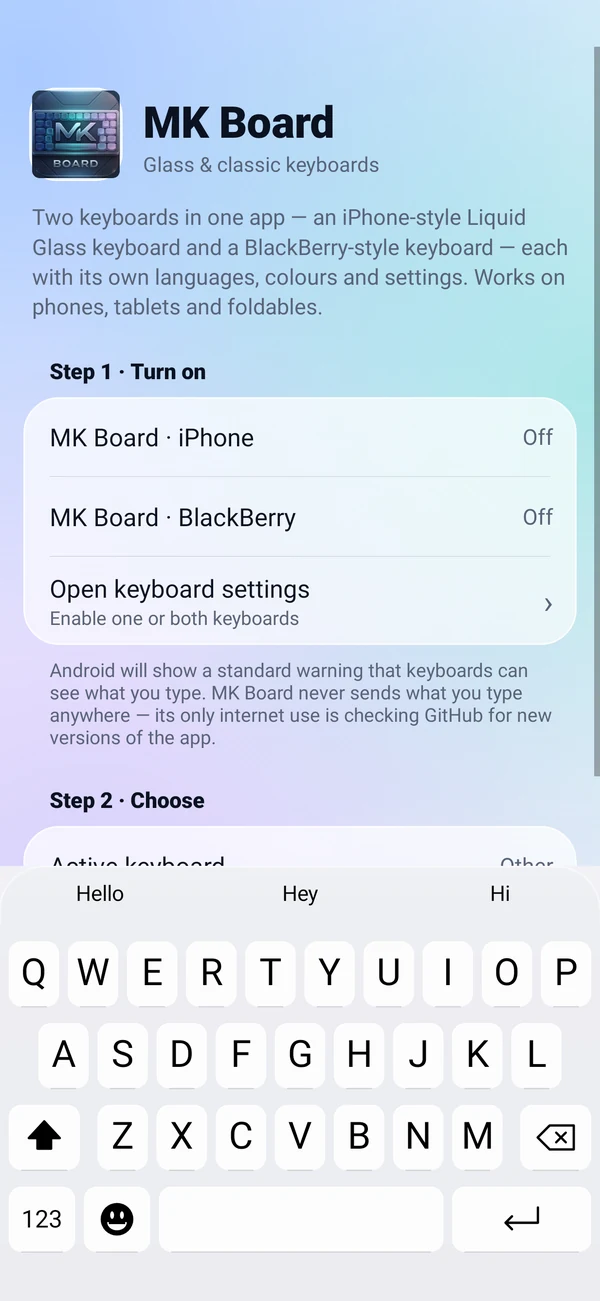 Liquid Glass, light
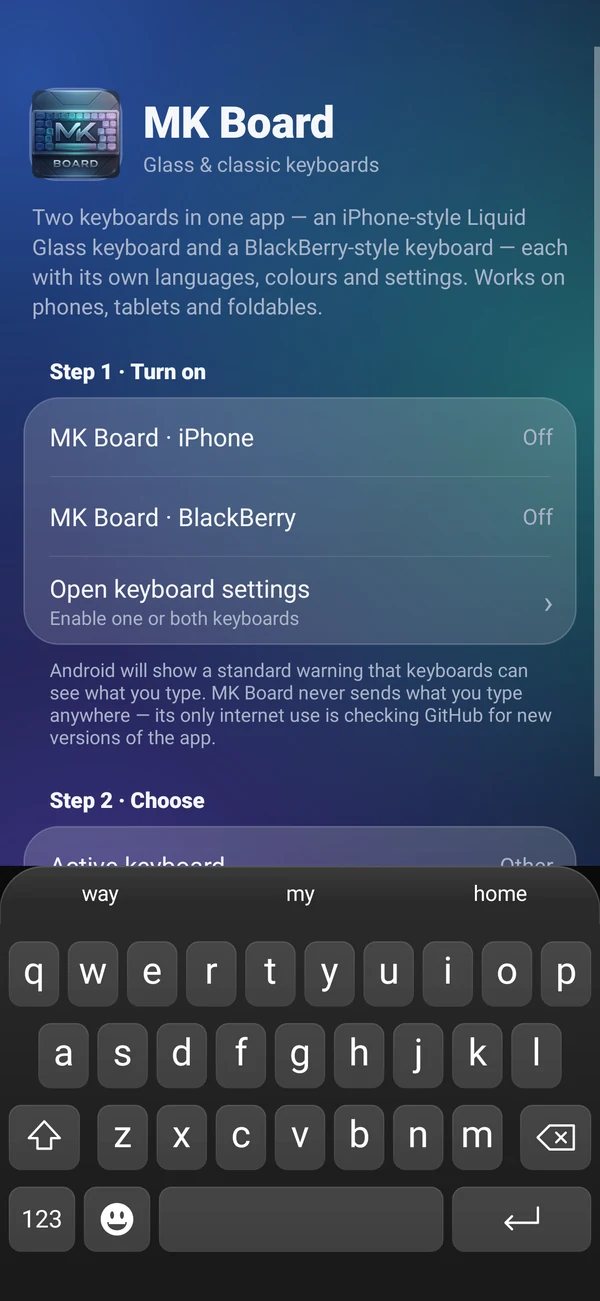 Liquid Glass, dark
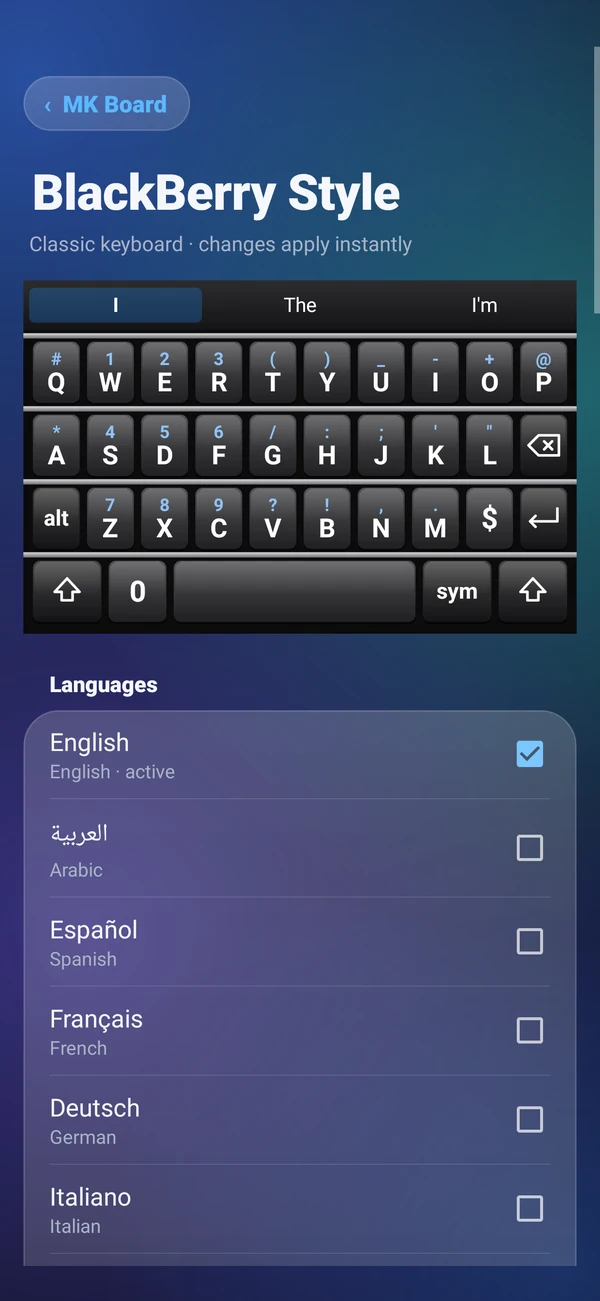
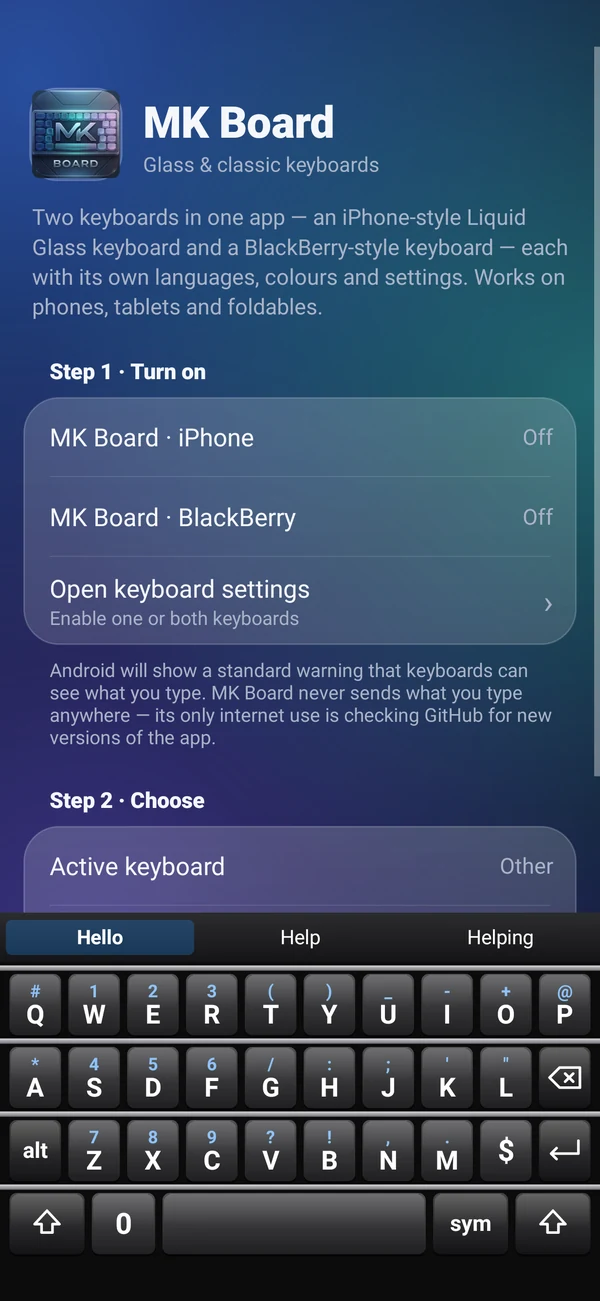 Classic keycaps
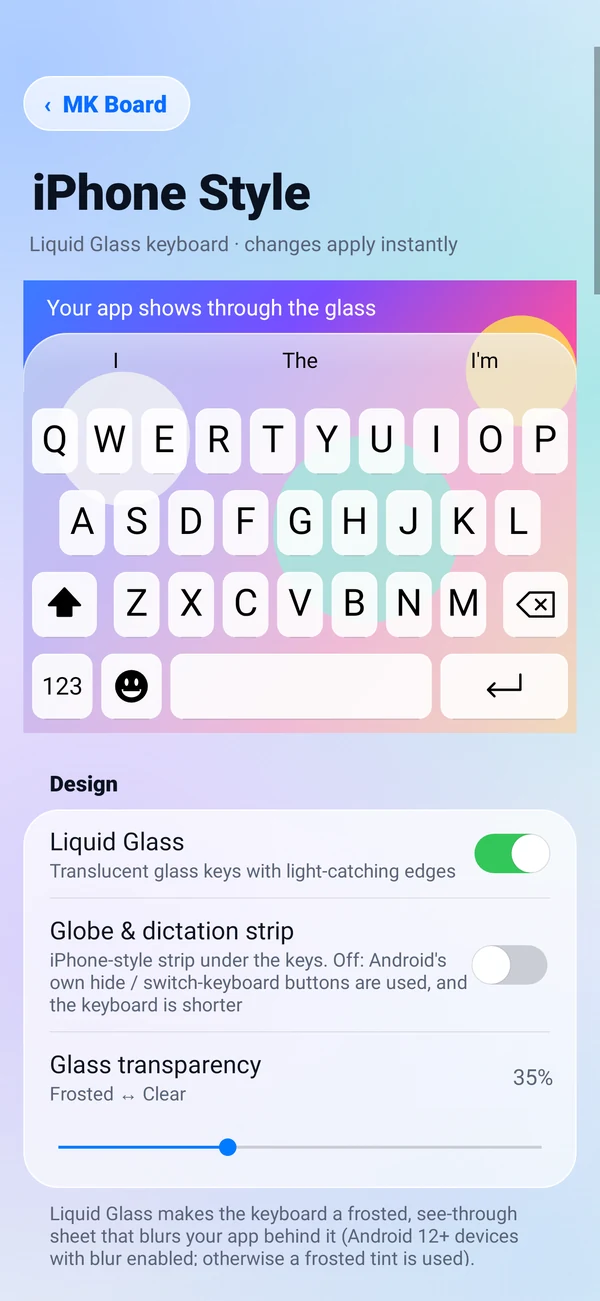 Settings with live preview
Two keyboards in one app
Liquid Glass is see through. On Android 12 and newer the app behind it shows through the keys, softly blurred, and you choose how clear the glass is. Classic keycaps has glossy keys with numbers and symbols printed on them: hold alt for a symbol, double tap it to lock.
Turn on one or both. Each has its own settings screen with a live preview, so you see every change before you type: theme, colours for every part, key height, languages, or your own photo behind the keys.
The everyday things, done well
- Suggests the next word and corrects typos, with one tap to undo. All offline.
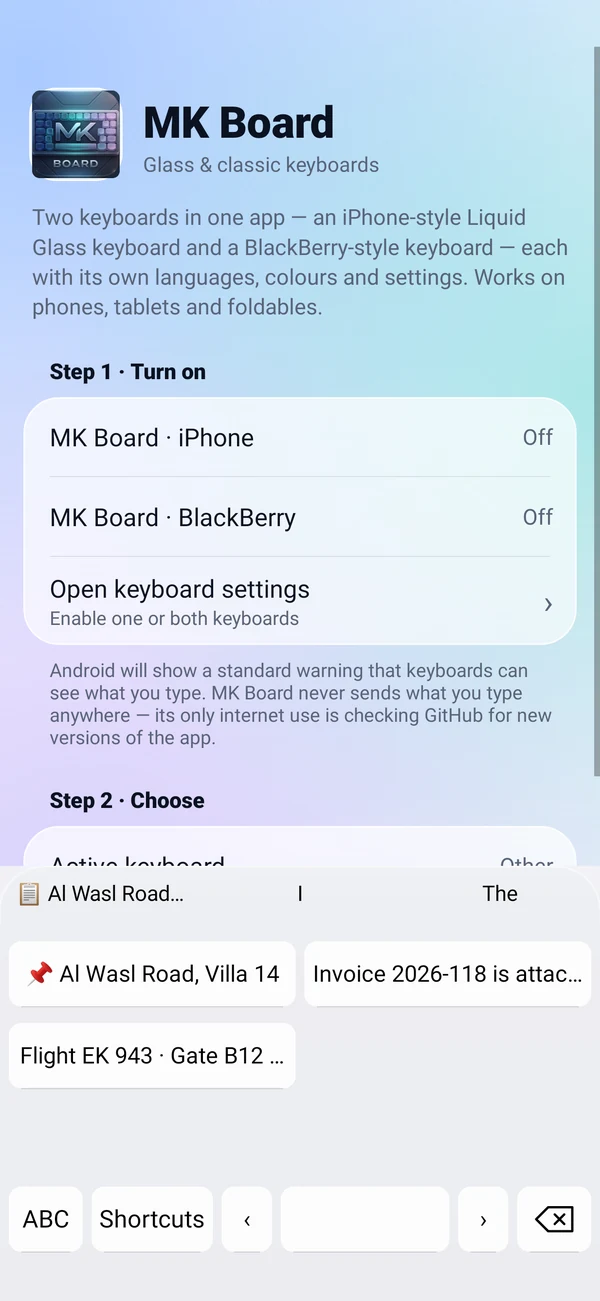
- Keeps a clipboard history for the day. Pin the things you paste often.
- Text shortcuts: type omw and get On my way. Make your own.
- Emoji you can search by name, with recents and skin tones.
- Slide on the space bar to move the cursor.
- One hand mode on phones.
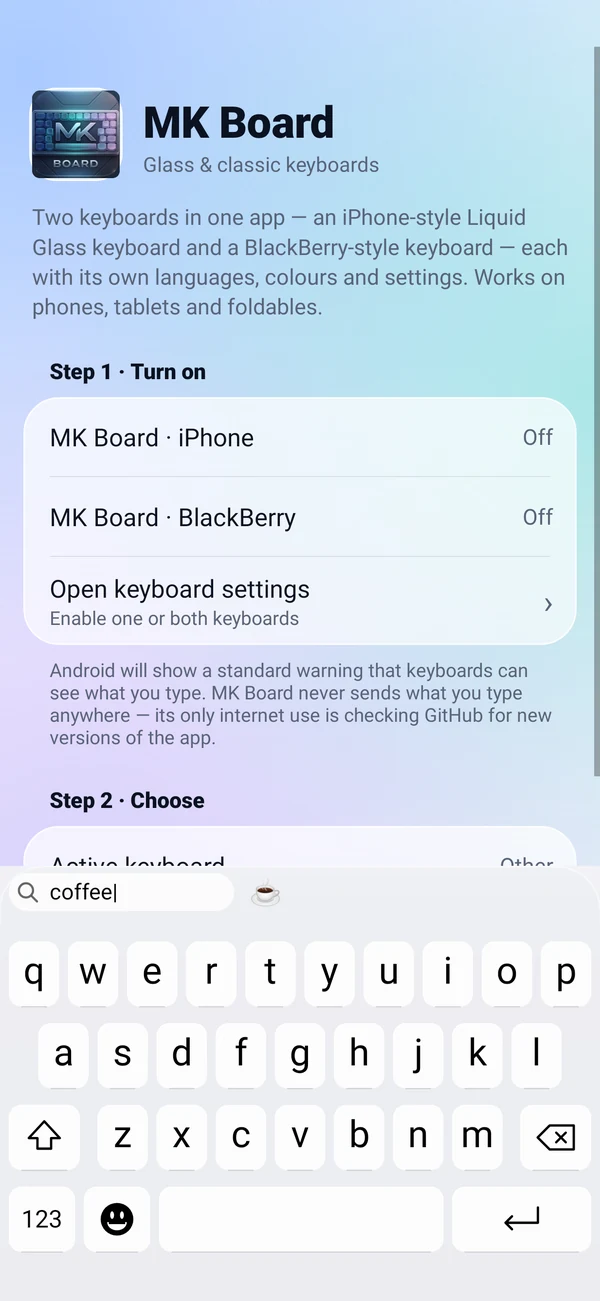
Room to type on big screens
On tablets and unfolded foldables MK Board switches to a wider layout with numbers on every key. You can also split it in two for thumb typing, or float it anywhere on the screen.
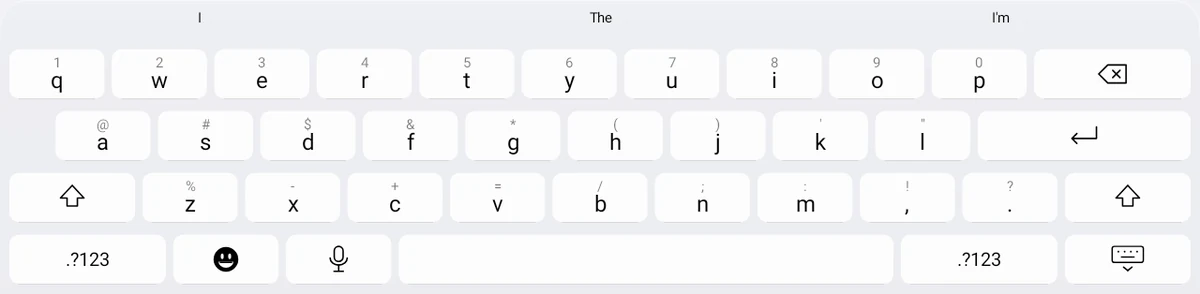
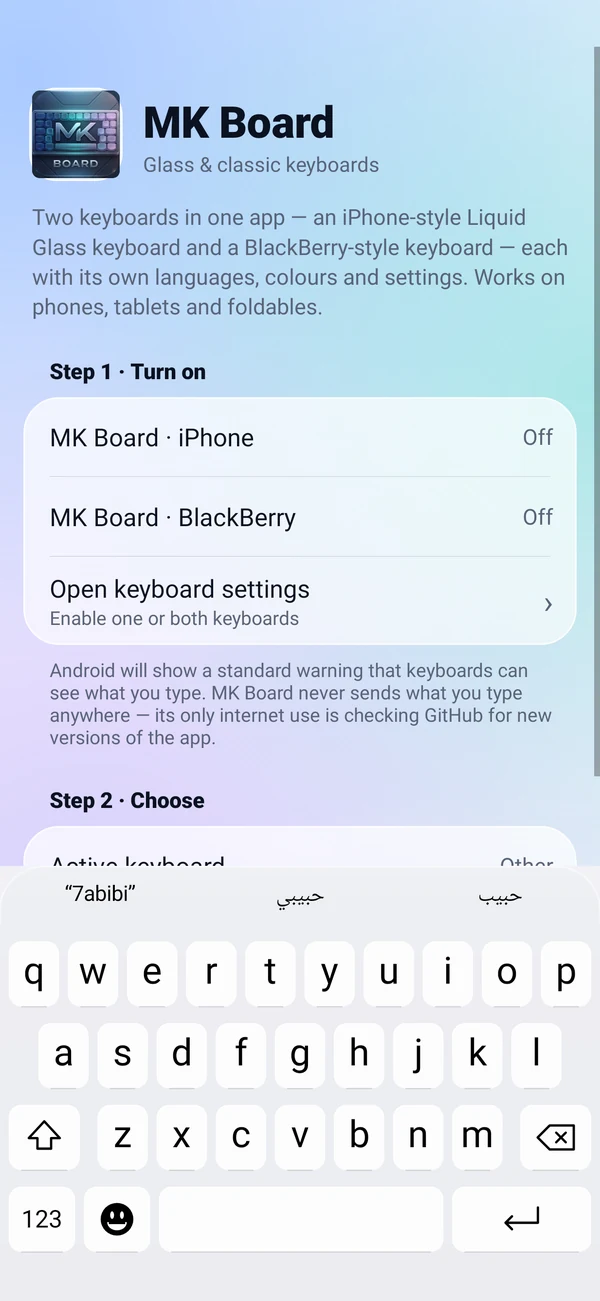
Arabic, properly
Type 7abibi and it offers حبيبي. Suggestions ignore the usual spelling variations, so hamza, ة / ه and ى / ي never get in the way, and prefixes like و, ب and ال are understood. It knows Gulf vocabulary and handles sentences that mix Arabic and English.
The other languages are English, Spanish, French, German, Italian, Portuguese, Russian and Turkish, each with its own offline dictionary.
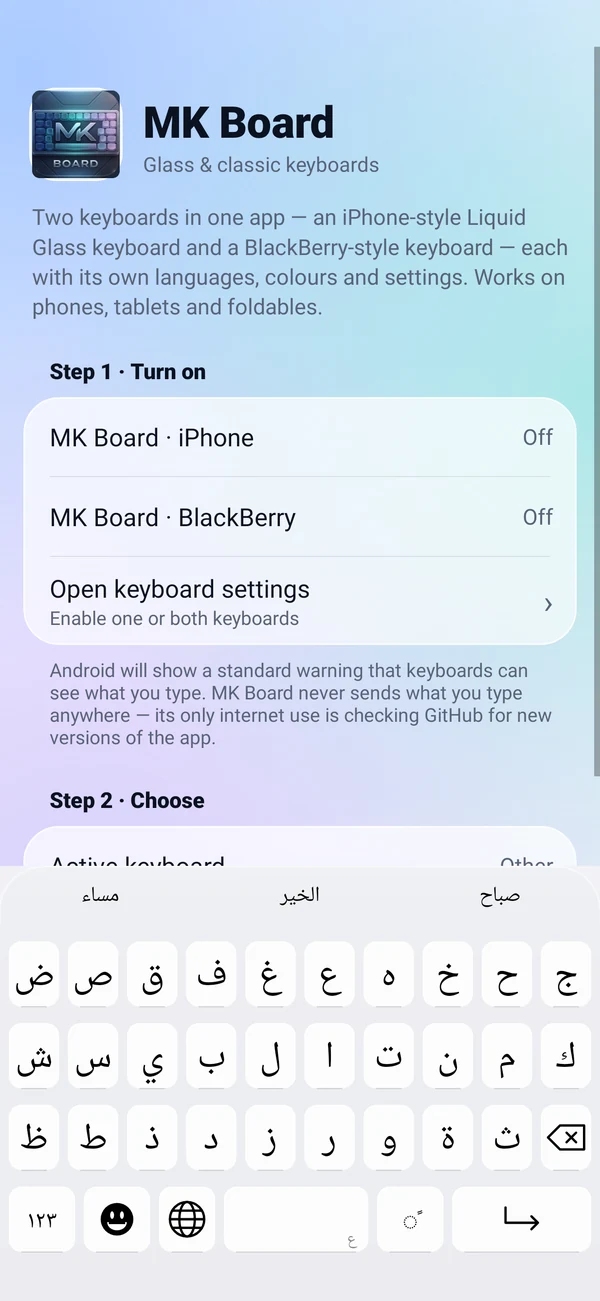
Privacy
Nothing you type is sent anywhere. Learned words, clipboard history and shortcuts are stored on your phone and are left out of cloud backups. Nothing is learned in password, PIN or incognito fields.
The only time the app goes online is to check this project's GitHub page for a new version, and you can switch that off on the app's main screen. There are no ads and no analytics. Read the privacy policy.
Installing
MK Board isn't on Google Play yet, so you install it from GitHub. It takes about a minute.
- On your phone, tap Download for Android. If you land on the release page, tap the file ending in
.apk. - Open the downloaded file. Android asks once whether your browser may install apps; allow it, then tap Install.
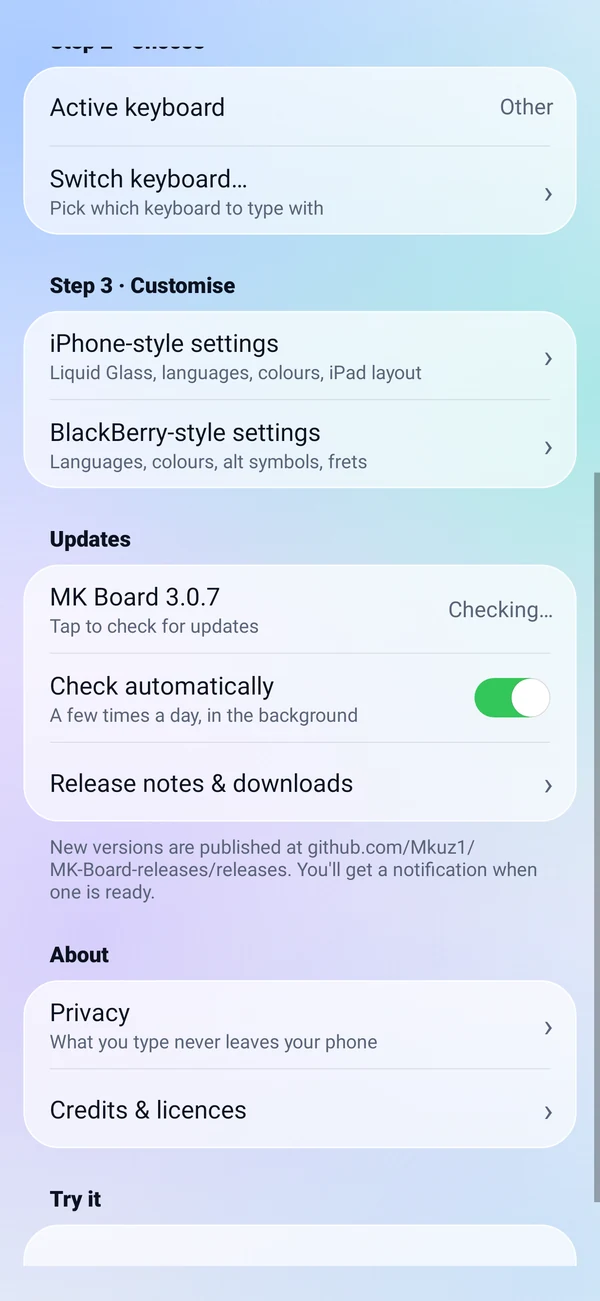
- Open MK Board, tap Open keyboard settings, and switch on the keyboard you want. Then choose it with Switch keyboard.
Android shows a standard warning when you switch on any keyboard that isn't built in. When a new version comes out, the app tells you and installs the update for you.
Download for Android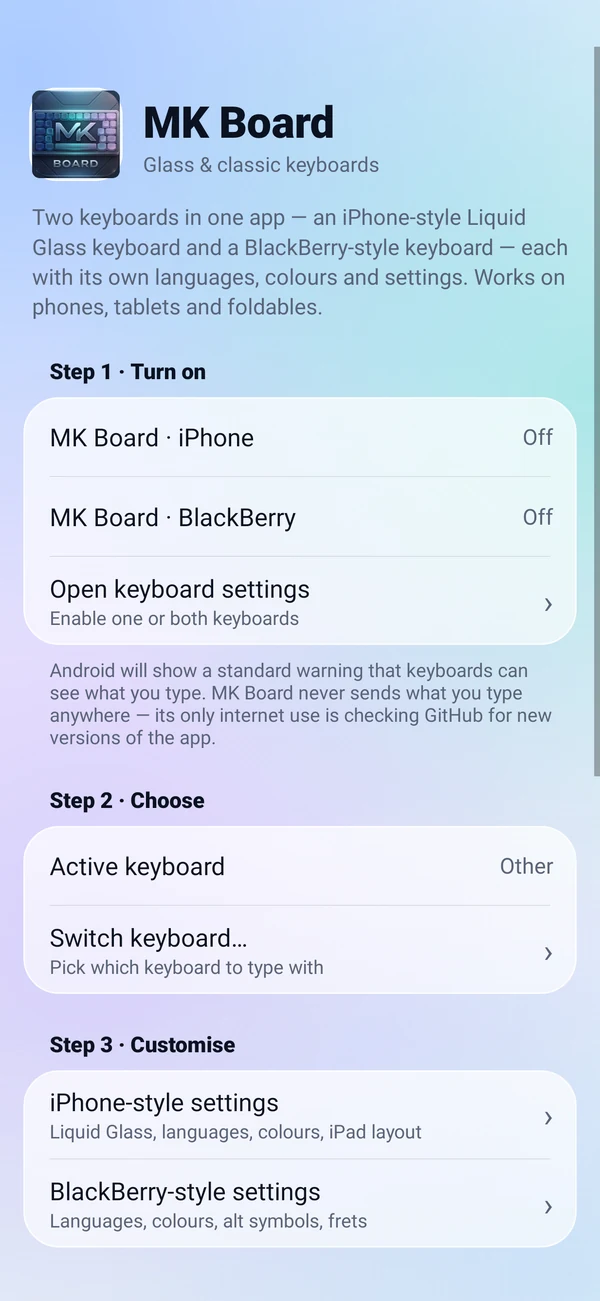
Questions
- Is it free?
- Yes. No ads, no subscriptions.
- Which phones does it run on?
- Android 9 or newer, including tablets and foldables. The see through blur needs Android 12 or newer; older phones get a frosted tint instead.
- Will it be on Google Play?
- Yes, soon. Once it's there, this page will link to it.
- Is it made by Apple or BlackBerry?
- No. The two styles are inspired by classic phone keyboards. MK Board isn't affiliated with Apple Inc. or BlackBerry Limited.
- Something isn't working
- Email mohamad@koussa.org and say which phone you have.